Frank
Frank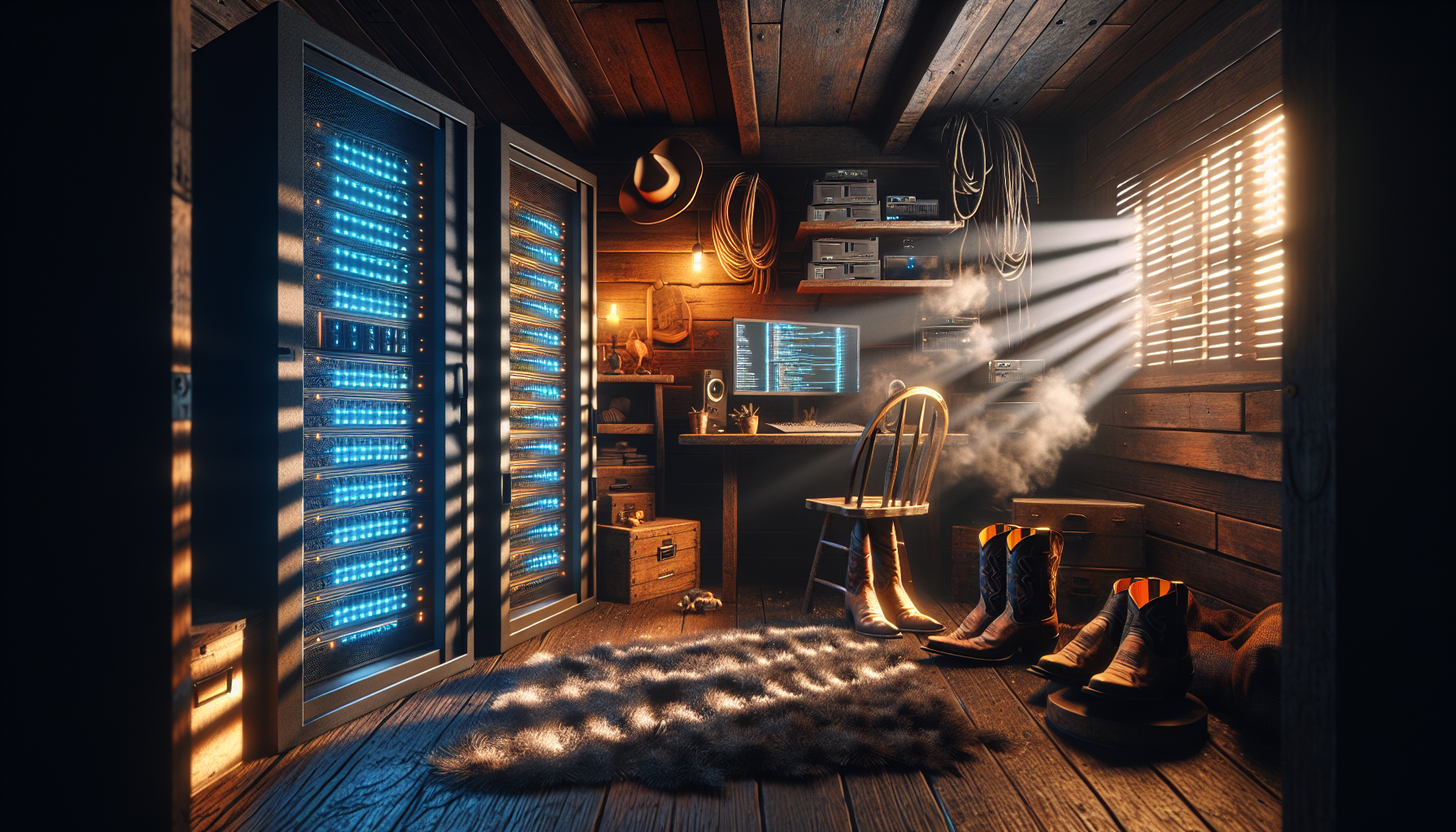
The Digital Frontier in My Spare Bedroom
Y’all, let me tell you about my home lab – that beautiful, electricity-guzzling monster that’s taken over what used to be my guest room. It’s like having a digital ranch where instead of cattle, I’m herding virtual machines, Docker containers, and the occasional service that decides to crash at 2 AM.
If you’ve never heard of a home lab, think of it as your personal playground for all things tech. It’s where curiosity meets old hardware, where “what if” becomes “let’s find out,” and where your spouse starts giving you that look when the power bill arrives.
Why Build a Home lab? Because Store-Bought is Boring
Sure, you could just use cloud services for everything. Slap it all on AWS, let Google handle your photos, trust Microsoft with your files. But where’s the fun in that? That’s like buying moonshine from a liquor store – technically it’ll do the job, but you’re missing out on the whole experience.
A home lab gives you control. Real control. Not the illusion of control you get when you click “accept” on yet another terms of service update. When something breaks in my lab (and trust me, it will), I know exactly why it broke and how to fix it. Usually because I broke it myself trying to optimize something that was working perfectly fine.
My Current Setup: A Beautiful Disaster
Let me walk you through my current rig. It’s evolved over the years like an old pickup truck – I’m not sure any original parts remain, but somehow it keeps running.
The Hardware Foundation
Main Server: An old Dell PowerEdge R710 that sounds like a jet engine taking off but runs Docker like a dream. This thing is the workhorse of the operation – 12GB of RAM, dual Xeon E5620 @ 2.40GHz — 4 cores / 8 threads, and enough drive bays (12.7 TB PERC H700 RAID) to make a data hoarder weep with joy.
Network Attached Storage: A QNAP TS-453 Pro (30.75TB), a Synology DS418 (10.5TB), a Synology DS412+ (10.8TB) and a Synology DS220j (2.7TB). They handle all my files, media, and backups. It’s the digital equivalent of a well-organized barn – everything has its place, and it just works.
Networking Gear: An eero 6 Mesh Router with a few switches scattered around. Nothing fancy, but it keeps everything talking to each other without too much fuss.
The Frankenstein Box: A HP Z640 Workstation (Microsoft Windows Server 2019 Standard) I built to run services that don’t play nice with virtualization. It’s powered by dual Xeon(R) CPU E5-2609 v3 @ 1.90GHz processors and 256GB RAM.
Software That Actually Matters
Here’s where the real magic happens. My home lab runs more services than a small town:
- Emby: Because Netflix doesn’t have everything, and I’ve got a DVD collection that needs digitizing
- Pi-hole: Network-wide ad blocking that works better than my grandmother’s guilt trips
- GitLab: For all my code projects that will definitely change the world someday
- Claude Code – For all my coding assistance (built a Codex Bridge for code review and Steelman analysis)
The Learning Never Stops
Here’s the thing about home labs – they’re not really about the end result. They’re about the journey. Every time I think I’ve got everything dialed in perfectly, I discover some new technology or service that just has to be integrated into the setup.
Last month it was Kubernetes. This month I’m diving deep into network segmentation with VLANs. Next month? Who knows, maybe I’ll finally tackle that Machine Learning project that’s been gathering digital dust.
My granddaddy always said about working on cars: “The learning never stops, and the minute you think you know everything, the engine will remind you that you don’t.” Same principle applies to servers, just with more blinking lights and fewer greasy hands.
The Real Talk: Costs and WAF (Wife Acceptance Factor)
Let’s be honest – home labs aren’t cheap. Between the hardware, the electricity, and the inevitable “I need just one more switch” purchases, it adds up faster than bar tabs at a honky-tonk.
But here’s my justification: it’s an investment in learning. Every dollar spent is tuition in the University of Practical Technology. Plus, hosting my own services means I’m not paying monthly subscriptions to Big Tech for features I can run myself.
The trickier part is maintaining domestic harmony. My wife has been remarkably patient with my “just one more server” addiction, but I’ve learned to pick my battles. Pro tip: frame new purchases as “improving our home security” or “protecting our family photos.” It’s not wrong, just strategically presented.
Start Small, Dream Big
If you’re thinking about starting your own home lab, my advice is simple: start with what you’ve got. That old laptop gathering dust? Install Docker and fire up a few containers. Raspberry Pi sitting in a drawer? Perfect Pi-hole candidate.
Don’t fall into the trap of thinking you need enterprise-grade equipment to start learning. Some of my most valuable lessons came from trying to make underpowered hardware do things it probably shouldn’t. When you’re working with limited resources, you get creative fast.
The home lab journey is different for everyone, but one thing’s constant: once you start, you’ll wonder how you ever lived without your own personal data center humming away in the background of your life.
Your Turn
What’s stopping you from setting up your first home lab service? Is it the fear of breaking something, the upfront cost, or just not knowing where to start? Drop a comment and tell me what your ideal first project would be. Maybe it’s time to turn that spare hardware into something useful instead of letting it collect dust.
The best part about home labs? There’s no wrong way to do it, only lessons waiting to be learned.