Frank
Frank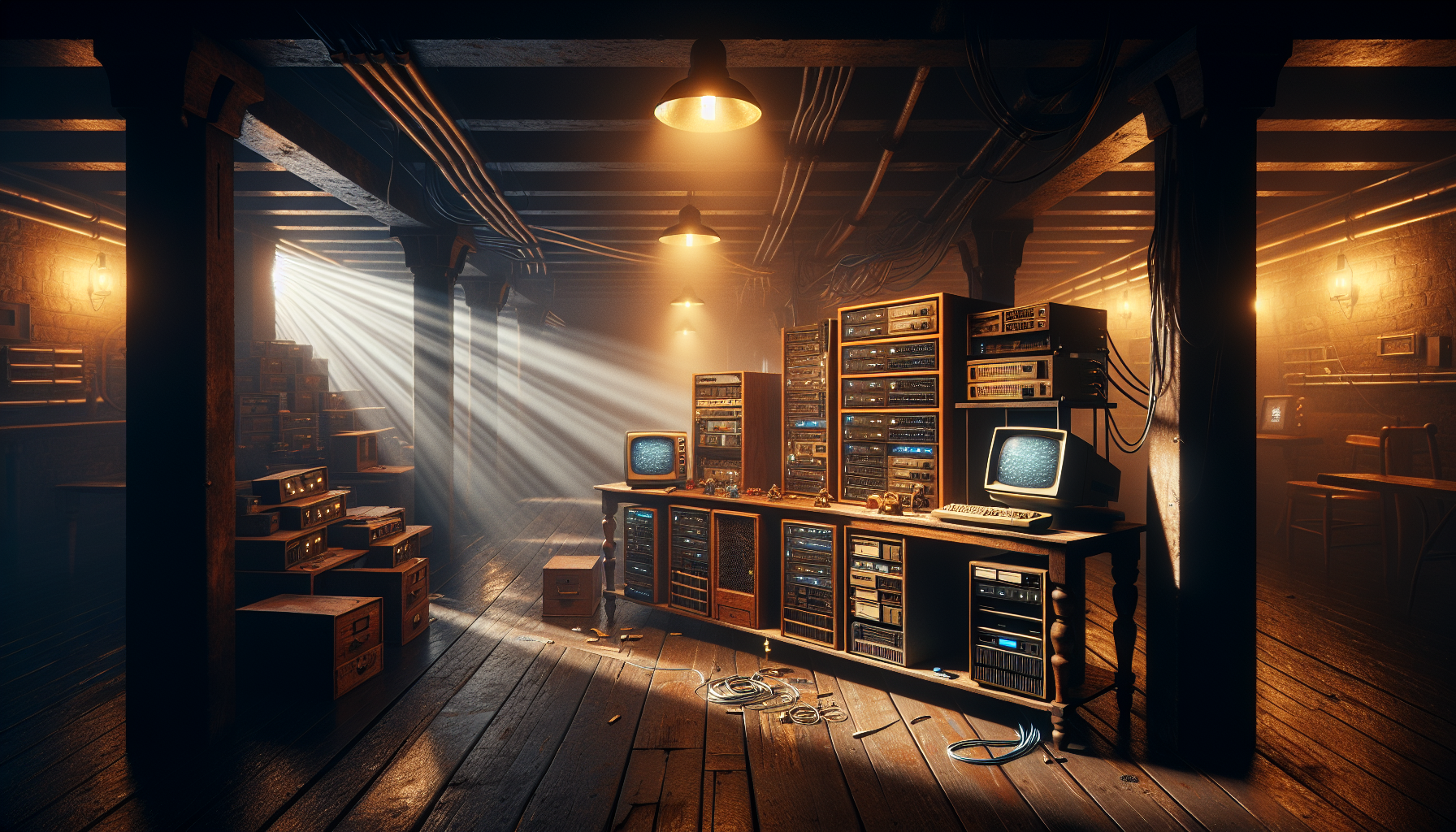
My office looks like a server farm had a baby with a Radio Shack from 1995, and honestly, I wouldn’t have it any way else. Welcome to the wild, wonderful world of homelabbing – where perfectly good money goes to die, electricity bills skyrocket, and somehow you convince yourself that running your own DNS server is totally necessary for “learning purposes.”
What in Sam Hill is a Homelab?
For those uninitiated souls who haven’t yet fallen down this particular rabbit hole, a homelab is essentially your own personal data center. Think of it as a digital workshop where you can break things, fix things, and break them again – all in the comfort of your own home. It’s like having a garage full of project cars, except these cars are servers and they never actually get “finished.”
Mine started innocently enough. I had an old Dell OptiPlex that was collecting dust, and I thought, “Hey, I’ll just throw Docker on this bad boy and run a few containers.” That was three years and about $2,000 worth of “just one more server” purchases ago.
The Gateway Drug: Your First Server
Every homelab journey starts the same way – with the best of intentions and the worst of planning. You’ve got some old hardware lying around, maybe a laptop that’s too slow for daily use but too good to throw away. You install Ubuntu Server on it, spin up an Emby server, and BAM – you’re hooked.
It’s like my granddaddy used to say about moonshine: “First taste is always free, but the habit’ll cost you everything you got.” Except instead of corn liquor, we’re talking about rack-mount servers and managed switches.
The Magnificent Four (Services I Actually Use)
After years of tinkering and countless “I wonder what this does” moments, here are the services that actually earn their keep in my homelab:
1. Docker
This is the foundation – the bedrock upon which all my digital shenanigans are built. Docker lets me run multiple containers on a single machine without the overhead of full virtualization. Everything’s isolated, portable, and when something breaks, I can nuke it and redeploy in minutes.
2. Emby Media Server
Because paying for five different streaming services and still not finding anything to watch is the modern equivalent of having 200 cable channels and nothing on. My Emby server hosts my entirely legitimate collection of movies and shows, and it doesn’t phone home to some corporate overlord every five minutes.
3. Pi-hole
This little beauty blocks ads at the DNS level, which means every device on my network gets ad-blocking without having to install anything. It’s like having a bouncer at the door of the internet, except this bouncer actually does his job.
4. Caddy with Custom Web UI
This is where things get interesting. I’ve got Caddy running reverse proxy duties with a custom web interface that I designed with Claude’s help. Instead of wrestling with config files every time I want to add a service, I’ve got a proper dashboard that makes sense. It’s like having a control tower for all my services, and it actually looks decent too.
The NAS Army: Storage Done Right
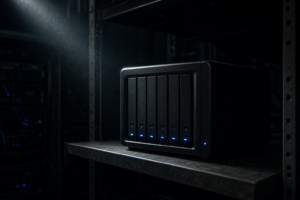
Here’s where I might lose some homelab purists, but I’m not running TrueNAS or building my own storage arrays. I’ve got three Synology NAS units and one QNAP handling all my storage needs. Call me lazy, but I’d rather spend my tinkering time on services that don’t store my irreplaceable family photos.
The Synology boxes handle bulk storage, automated backups, and Docker hosting for less critical services. The QNAP runs surveillance station and acts as an offsite backup target. It’s not the cheapest route, but it’s reliable as sunrise, and I sleep better knowing my data isn’t riding on some franken-build I cobbled together from spare parts.
The Dark Side: When Homelabs Attack
Let me be real with you for a minute – homelabs aren’t all sunshine and successful deployments. There’s a darker side that the YouTube tutorials don’t warn you about.
First, there’s the electricity bill. Running servers 24/7 isn’t exactly what you’d call energy efficient. My UPS unit beeps more than a truck backing up, usually at 2 AM during power fluctuations. And don’t get me started on the heat – my basement stays toasty warm all winter, which would be great if that’s where I actually spent any time.
Then there’s the rabbit hole effect. You start with one simple service and before you know it, you’re reading documentation at midnight, wondering why your container won’t start, and questioning every life choice that led you to this moment.
The Learning Never Stops
But here’s the thing – despite the frustration, the costs, and the occasional 3 AM emergency maintenance session, I wouldn’t trade my homelab for anything. It’s taught me more about networking, containerization, and systems administration than any certification course ever could.
Every failed deployment is a lesson. Every successful automation is a small victory. Every time you solve a problem that’s been nagging you for weeks, it feels better than finding money in an old jacket pocket.
Final Thoughts
If you’re thinking about starting your own homelab adventure, my advice is simple: start small, document everything, and prepare for your electric bill to hate you. But also prepare to learn more about technology than you ever thought possible, and to join a community of folks who understand why running your own email server is simultaneously the worst and best idea you’ll ever have.
Just remember – it’s not about the destination, it’s about all the services you break along the way.
Now if you’ll excuse me, my monitoring alerts are going off, and I need to figure out why my temperature sensors think it’s 500 degrees in the living room.