Frank
Frank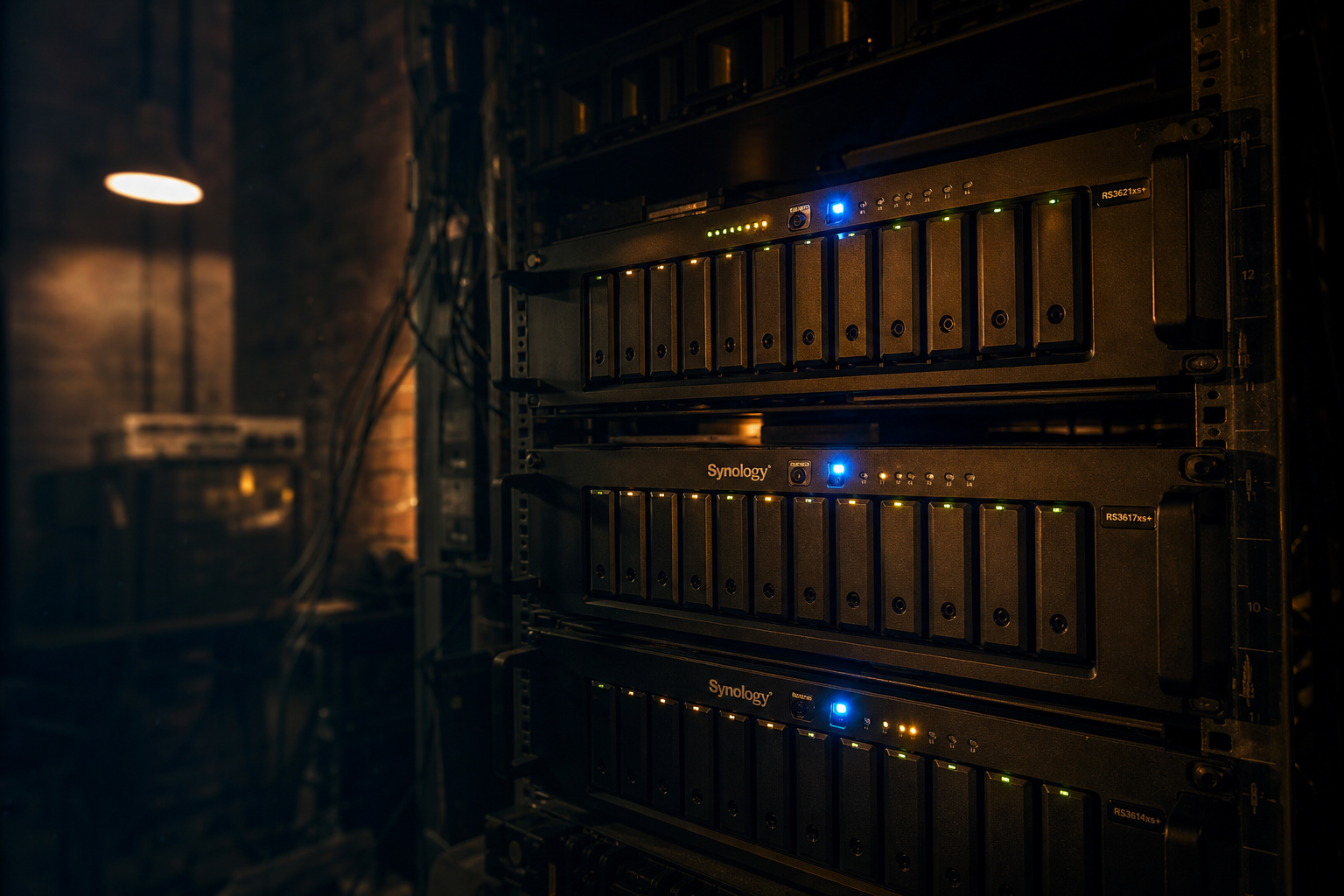
# Four NAS Units Is Not a Hoarding Problem, It’s an Architecture Decision
Do you actually need more than one NAS?
No. Probably not. And I’m going to spend the next thousand words explaining why I have four of them anyway, and why the people telling you to consolidate everything onto one big box are wrong, at least for a certain kind of person running a certain kind of setup.
I run Rollo, Lamont, Grady, and FredG. QNAP and three Synologies. Each one has a job. None of them are interchangeable, and that’s entirely on purpose.
The conventional wisdom in homelab circles is to buy one big NAS, stuff it with the largest drives you can afford, and call it done. It’s clean, it’s simple, and it makes for a tidy Reddit post. I understand the appeal. I also think it’s the wrong mental model for anyone who’s been doing this long enough to care about what happens when things go sideways.
Here’s the thing about storage that nobody talks about enough: the problem is never just capacity. The problem is access patterns, failure domains, and the cognitive overhead of knowing where your stuff actually lives.
Let me explain what I mean by that.
Rollo, the QNAP, is my primary workhorse. Movies, TV shows, music collection, general storage. The stuff that gets hit constantly, the stuff that feeds Emby, the stuff that needs to be fast and available. If Rollo goes down, I know it immediately, because something stops working. That’s intentional. Rollo is supposed to be loud about its own health because it’s load-bearing.
Lamont holds documents and pictures. Two things that are irreplaceable and almost never accessed. Lamont runs quiet. It doesn’t need to be fast. It needs to be reliable, redundant, and not sharing a failure domain with something that gets hammered every night by media streaming.
Grady runs Trilium in production and holds TV show overflow. I self-host my own notes application, and I want that database on dedicated storage that isn’t competing for I/O with anything else. Simple reason.
FredG has classic cartoons and eBooks. It’s the quietest box I own. It just sits there holding things I care about but rarely touch.
Four boxes. Four distinct purposes. Zero overlap by accident.
The Real Argument Is About Failure Modes, Not Brands
Here’s where I’ll lose half the audience: I don’t think a single large NAS is a serious storage strategy for a homelab that’s actually doing work.
I know. I know. RAID exists. Snapshots exist. You can build redundancy into a single unit. I’m not disputing any of that. What I’m saying is that consolidating everything onto one machine means you’ve created one machine that can take down everything at once. A bad firmware update, a failed controller, a corrupted volume, a power event that catches it at the wrong moment. Whatever the scenario is, it’s now one scenario that costs you everything.
Four separate boxes means four separate failure domains. If Grady has a problem tonight, my media keeps streaming and my documents stay safe and my eBooks are still sitting there waiting. The blast radius of any single failure is narrow by design.
I tend to over-research things, which my people find endlessly amusing and which I find entirely reasonable. I spent a solid few months before I bought the second Synology reading every failure report I could find, every forum thread about QNAP vs. Synology reliability, every horror story about people who lost irreplaceable data because they trusted one box too much. The jokes about me taking too long to decide are fair. The decision itself was also correct.
Curiosity compounds, is the thing. The more you understand about how storage actually fails, the less comfortable you get with elegant single-point solutions.
Now, the counterargument: this approach costs more money and more physical space and more management overhead. All true. I’m not pretending otherwise. Running four NAS units means four sets of firmware updates, four power supplies, four things that can develop a fan problem at two in the morning. That’s real.
But here’s what I’d push back on: the management overhead of multiple NAS units is genuinely low once they’re configured. Synology’s DSM is stable. QNAP’s interface is less elegant but I’ve been running Rollo long enough that I know where everything is. These boxes don’t demand attention constantly. They do their jobs. I check in on them periodically, update firmware when it matters, swap a drive when the health indicators tell me to. That’s not burden. That’s maintenance, same as anything else.
The thing that actually takes work isn’t the hardware. It’s knowing what belongs where before you start filling drives. If you don’t have a mental model for your own data before you go shopping, no amount of storage hardware is going to save you. You’ll end up with one giant NAS full of stuff organized the same way a teenager organizes their backpack, everything in there somewhere, nothing actually findable.
I’ve seen it. The person who bought a six-bay NAS for $800, filled it with everything they own in no particular structure, and then asked a forum why their Plex library is slow and their backups are unreliable and they can’t find that folder from 2019. The hardware wasn’t the problem. The architecture was the problem, or rather, the absence of one.
Four NAS units with clear ownership is a more honest system than one NAS unit with ambiguous ownership. That’s my actual argument. It’s not about brand loyalty or spec chasing. It’s about knowing what you have, knowing where it lives, and knowing exactly what you lose if something fails.
Most people optimize for the purchase decision. The box, the specs, the drive configuration, the price per terabyte. I’ve learned over 28 years of doing this that the purchase decision is about thirty percent of the work. The other seventy is everything that happens after the drives spin up for the first time.
Build the architecture first. Buy the hardware to fit it. Not the other way around.
Four boxes. One job each. No regrets.