What It Is
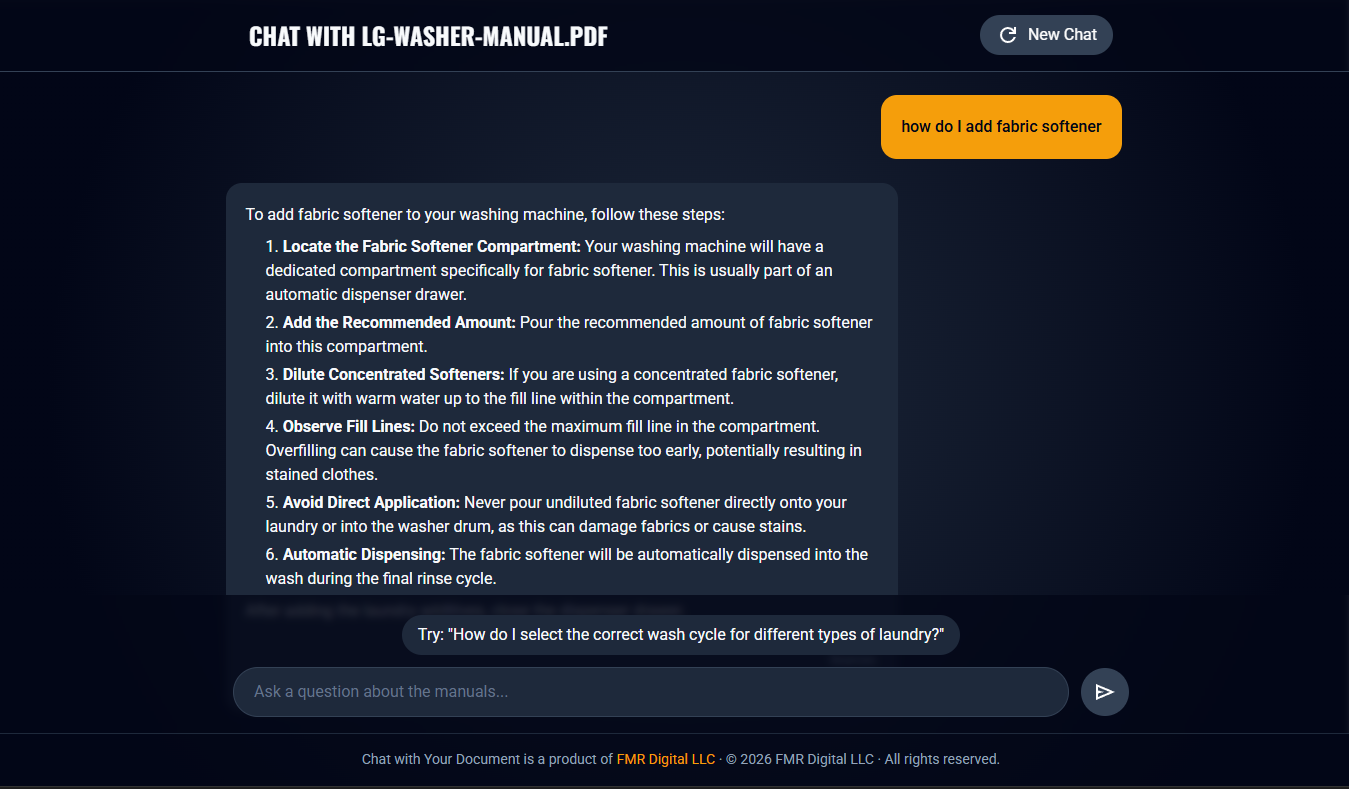
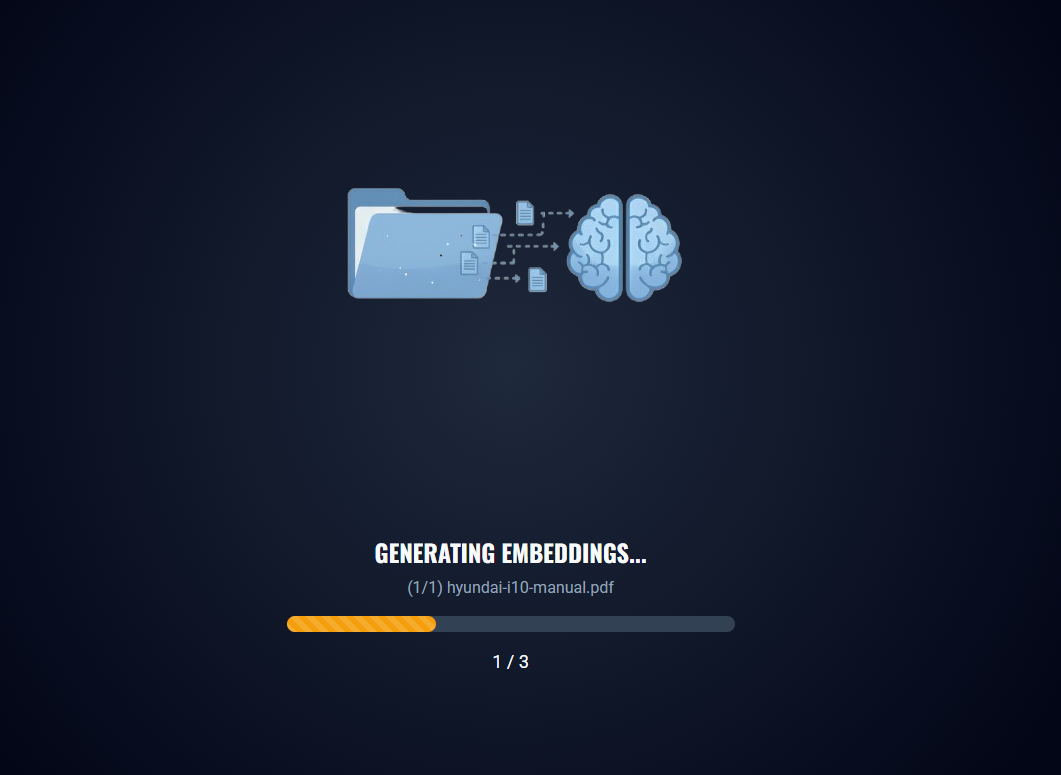
This is a hands-on demo of Retrieval-Augmented Generation (RAG) in action. A small web app that lets you upload a document, then have a real conversation with it. Drop in a product manual, a PDF, a spec sheet, whatever you have, and start asking questions. The app retrieves the relevant context and uses it to ground the AI’s responses in your actual content rather than just its training data.
Why I Built It
RAG is one of those concepts that’s easy to understand in theory but genuinely clicks once you see it working with your own files. I wanted a clean, minimal way to demonstrate that something I could point people to and say “here, try it with something you care about.” There’s also a set of built-in example documents if you just want to kick the tires without uploading anything.
The app is powered by Gemini’s FileSearch capability, which handles the heavy lifting of chunking, indexing, and retrieval. That let me focus on building a clean interface rather than reinventing the RAG pipeline from scratch.
What’s Interesting About the Approach
Rather than building a custom vector store or embedding pipeline, this leans on FileSearch as a managed retrieval layer. It’s a practical choice and an interesting one to explore, because it shows how much you can accomplish with well-designed API primitives. The tradeoff is less control over the retrieval internals, but for a demo focused on the experience of talking to a document, that’s a worthwhile trade.
The frontend is built with TypeScript, HTML, and CSS, deliberately lightweight. No heavy framework overhead. The goal was to keep the architecture readable and the demo fast to load.
Try It
The live version was hosted on AI Studio, but I just tranferred it underneath fmrdigital.dev. Upload a manual or select one of the included examples to see RAG working in real time.
- Source code: Forgejo repository
- Source code: GitHub repository
- Live demo: Docu-Chat
Tech Stack
- TypeScript – application logic and API integration
- HTML & CSS – lightweight, framework-free frontend
- Gemini FileSearch – managed retrieval-augmented generation
- Node.js – local development runtime