Frank
Frank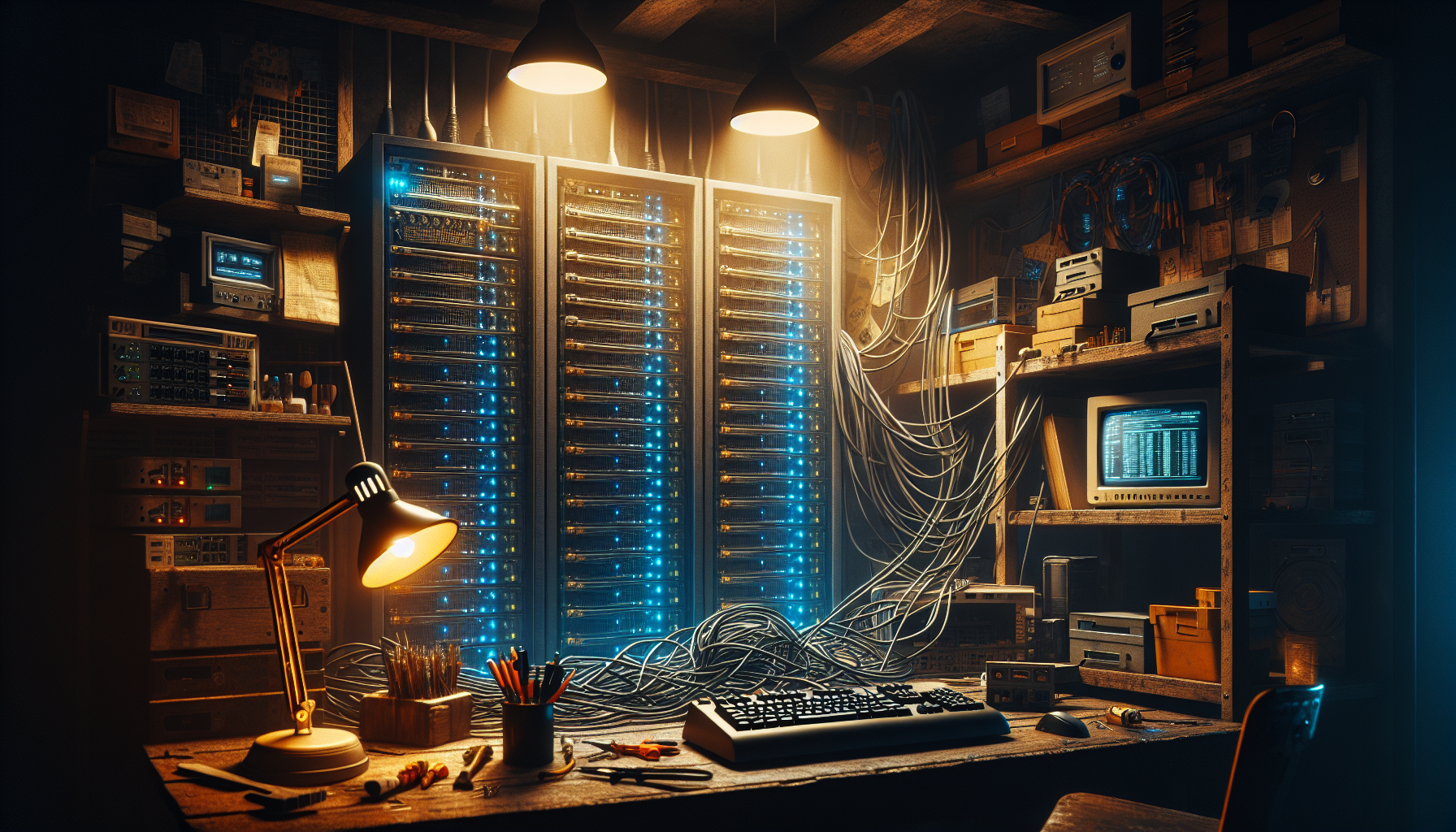
Three years ago, I got a decommissioned Dell PowerEdge R710 from work. It seemed like a steal, a real enterprise server that could run everything I wanted to learn about virtualization, containerization, and network services. What I didn’t calculate was that this “bargain” would end up costing me about $60 a month in electricity alone.
That server is still chugging along, but the lesson stuck. Running a home lab teaches you things that AWS tutorials never will, but it comes with costs that go way beyond the sticker price.
The Power Reality Check
Let’s start with the obvious one: electricity. That R710 pulled about 300 watts at idle, which doesn’t sound like much until you multiply it by 24 hours a day, 365 days a year. At my local rate of about 12 cents per kWh, that’s roughly $315 annually just to keep the thing humming.
Modern hardware changes this math completely. My current setup centers around a couple of SFF pc’s, a hopped up HP Z640 workstation, a repurposed Dell Precision 5820 Workstation, three Synology NAS and a QNAP NAS, pulling maybe 100 watts total. Same capabilities for most of what I do, but my power bill barely notices.
The lesson here isn’t to avoid older gear entirely. Sometimes you need that dual-socket Xeon horsepower for testing enterprise workloads. But know what you’re signing up for, and don’t leave power-hungry boxes running 24/7 unless they’re actually doing work.
Space and Noise: The Family Factor
Nobody warns you about the noise. Enterprise servers sound like jet engines, especially when they’re spinning up or the fans ramp up under load. My wife tolerated the R710 for exactly two weeks before the complaints started rolling in.
The office taught me about temperature extremes. Summer heat made the fans scream even louder, and I worried about condensation during humid nights. Winter wasn’t much better. Servers expect climate-controlled environments, not the wild swings of an office with only one vent and a small businesses worth of equipment.
I ended up with stuff all over everywhere. If you’re planning to run real server hardware at home, factor in a proper location from day one.
The Upgrade Addiction
Here’s where home lab costs really sneak up on you: the constant itch to expand and improve. Started with one server? Now you need a switch to connect multiple machines. Got the switch? Time for a proper rack. Got the rack? Better add a UPS, some cable management, maybe a patch panel.
I’ve probably spent more on cables, adapters, and “small” upgrades than I did on my original server. Every project reveals some new piece of infrastructure you “need.” Most of it is want, not need, but the line gets blurry when you’re deep into a Saturday afternoon configuration session.
The smart move is setting a realistic budget up front and sticking to it. Decide what you actually want to learn or accomplish, then buy just enough hardware to get there. You can always expand later, but starting small keeps costs manageable and helps you figure out what you really use.
What You Actually Get for Your Money
Despite all the costs and complications, I keep running a home lab because the learning value is real. Spinning up a VM in the cloud teaches you about that specific cloud platform. Building and maintaining your own infrastructure teaches you how things actually work.
I’ve learned more about networking from troubleshooting my own switches and routers than from any certification study guide. Running my own mail server, DNS, and web services has given me practical knowledge that directly applies to my day job. When something breaks at 2 AM (and it will), you learn troubleshooting skills that no tutorial can teach.
There’s also something satisfying about controlling your own infrastructure. My Emby server runs on my hardware, my files sync to my cloud, my home automation doesn’t depend on some startup that might disappear next year. That independence has value, even if it’s hard to quantify.
Smart Home lab Economics
If you’re starting out, skip the enterprise gear unless you specifically need to learn enterprise platforms. A decent mini PC or refurbished small form factor business machine will run most home lab workloads at a fraction of the power consumption and noise.
Buy used, but not too used. Five-year-old business hardware hits the sweet spot of being affordable while still being efficient and reliable. Avoid anything that uses DDR2 memory or pre-2015 processors unless you’re getting it for free.
Plan for redundancy where it matters, but don’t over-engineer. A simple backup strategy beats an elaborate high-availability setup that you don’t have time to maintain properly.
The Bottom Line
Running a home lab costs more than most people expect, but teaches you things you can’t learn any other way. Budget for power, space, and the inevitable upgrades. Start small, focus on what you actually want to learn, and don’t let perfect be the enemy of good enough.
After 28 years and probably $15,000 in hardware, I’m still glad I started. Just wish someone had told me about the electricity bill up front.